
How can we help?
-
Sign Up Your Account
-
Get Started
-
Appointments
-
Reporting & Analytics
-
Patient Management
- Patient Dashboard
- Patient Demographics
- Adding Patient Insurance
- Prior Authorization
- Insurance Eligibility Verification
- Additional Info
- Manage Patient's Contacts
- Flags
- Manage Patient Homework
- Patient Appointments
- Managing Credit Cards
- Documents
- Problems
- Allergies
- Medications
- Immunizations
- Family History
- Past Medical History
- Client Portal Access
- Creating New Patient
-
E-prescriptions
-
Lab Orders & Results
-
Task Management
-
Messaging
-
Feedback & Support
-
Insurance Billing
-
Practice Dashboard
-
Appointments Dashboard
-
Provider Availability
-
Appointment Profile
-
Billing Profile
-
Audit Log
-
Patient Payments
-
Patient Statements
-
Patient Ledger
-
Fee Schedule
-
Manual Insurance Payment Posting (EOB)
-
Card Transactions
-
Automatic Insurance Payment Posting (ERA - Electronic Remittance Advice)
-
Patient Flag
-
Note Taking
-
Macro Buttons
-
Patient Education
-
Incoming & Outgoing Fax
-
Referral Management
-
Account Settings
-
Billing & Services
-
Scheduling Settings
-
Administration Settings
-
Clinical Notes
-
Add-Ons
-
Explore Vozo
-
Patient Portal
-
Calendar Dashboard
-
Patient List
Home >
Patient Portal Login Guide
Views8
The Patient Portal provides two ways for users to log in:
- New Client
- Existing Client
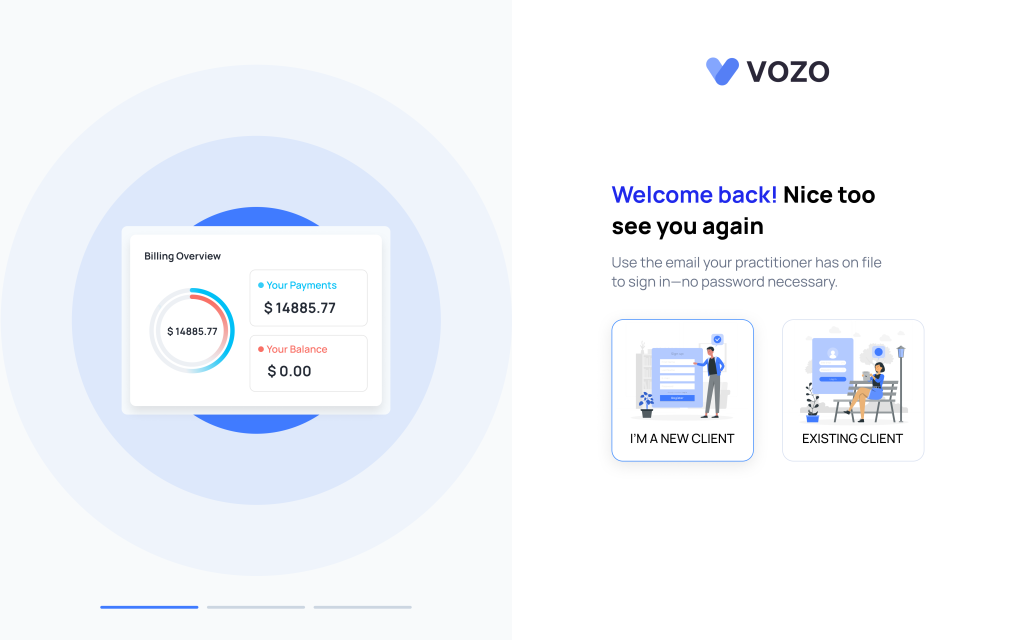
1. New Client Registration
If you are a new client, follow these steps:
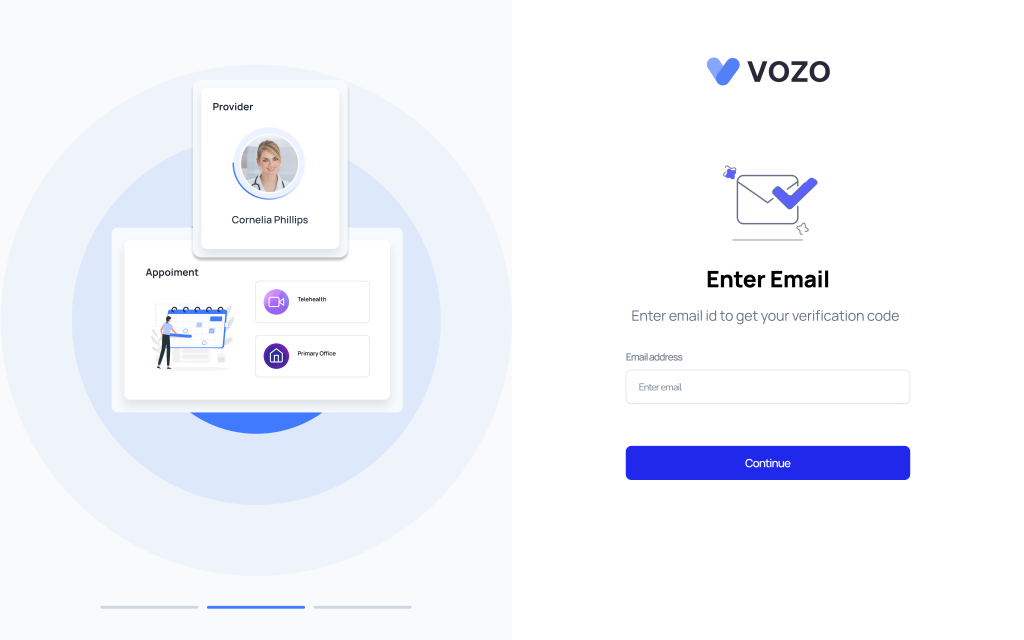
- Enter your email address.
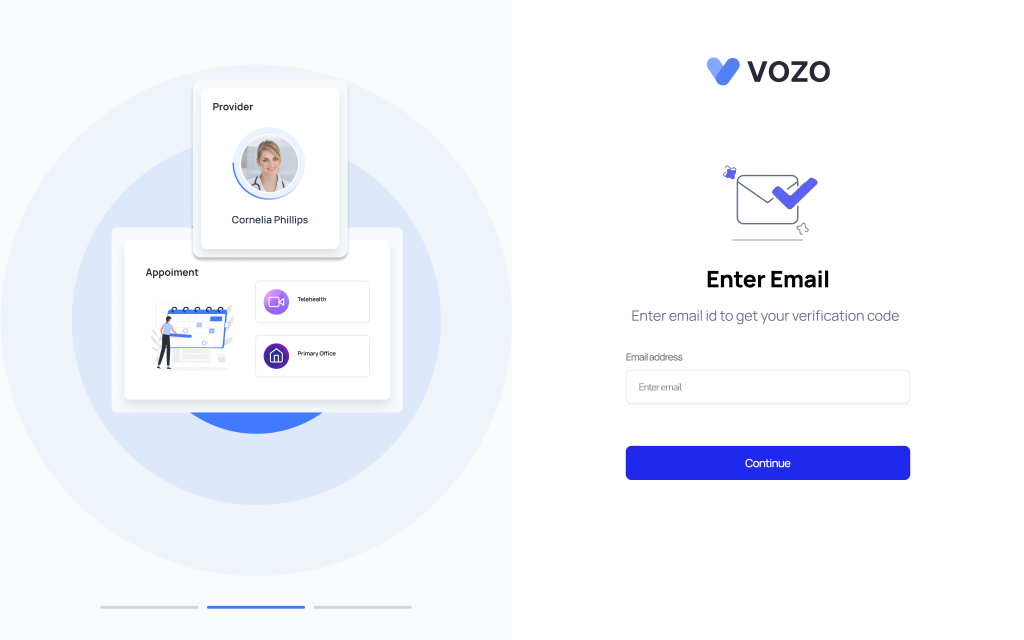
- An OTP (One-Time Password) will be sent to your email.
- The OTP is valid for 60 seconds.
- If it expires, click Resend OTP to receive a new one.
- The OTP is valid for 60 seconds.
- Enter the OTP in the portal to verify your email.
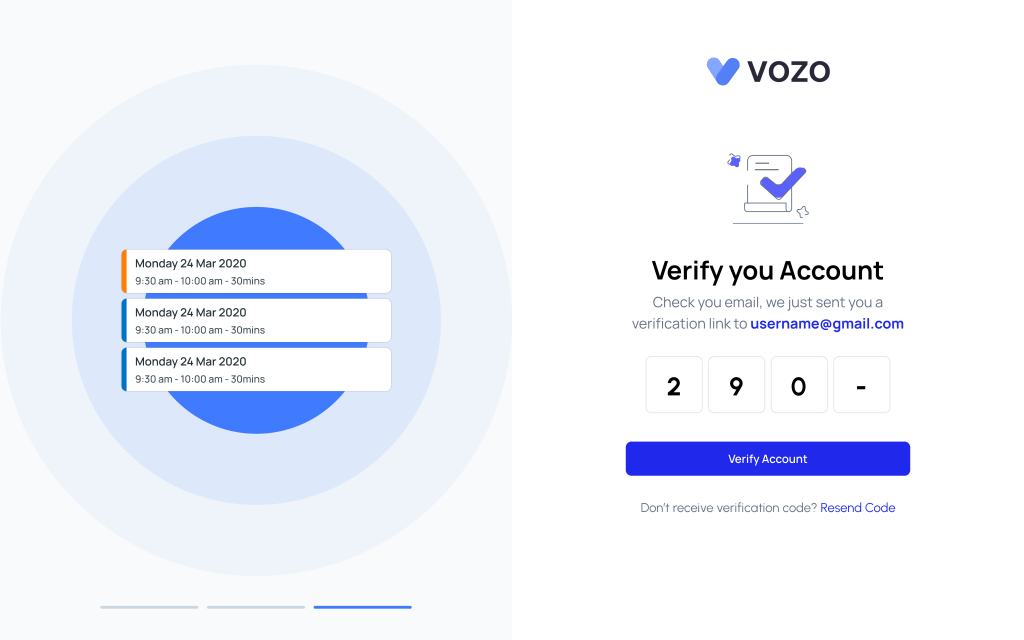
- Provide your patient name and create a new password.
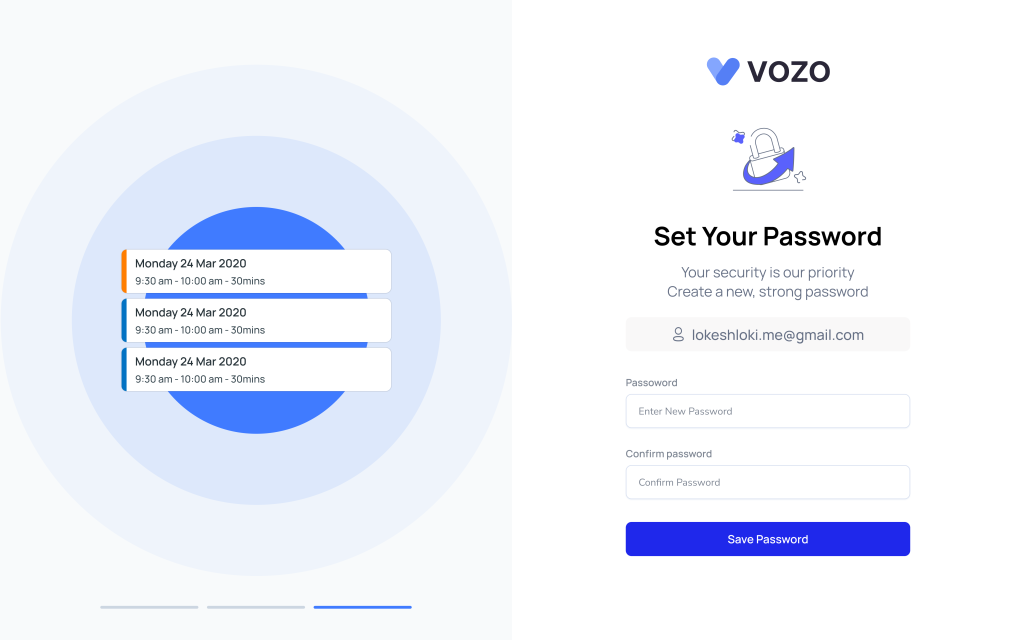
- Once registration is complete, you will be redirected to the login page.
- Log in using your email address and the password you created to access the application.
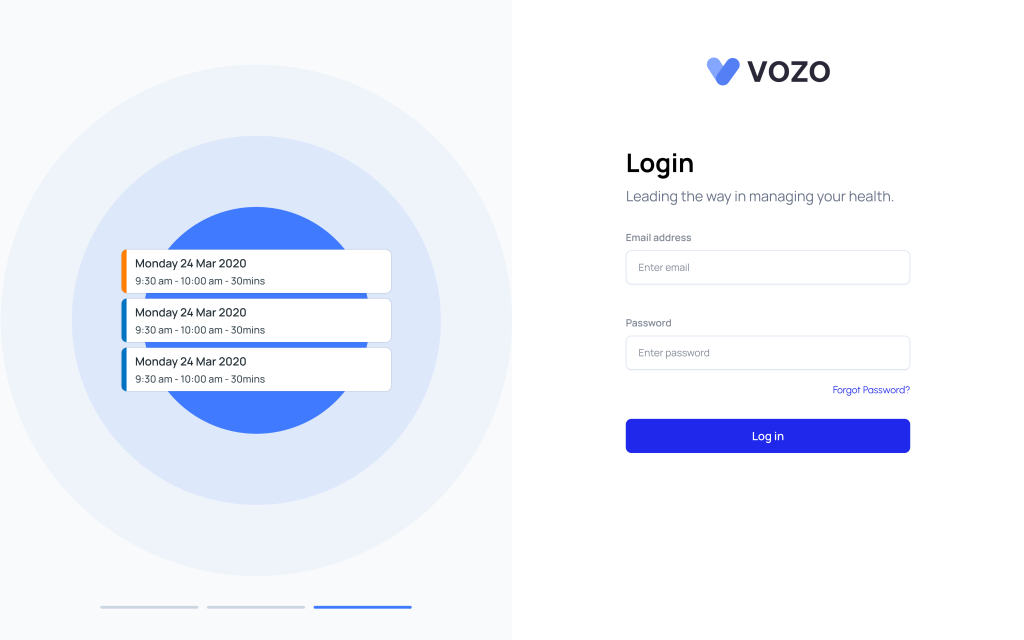
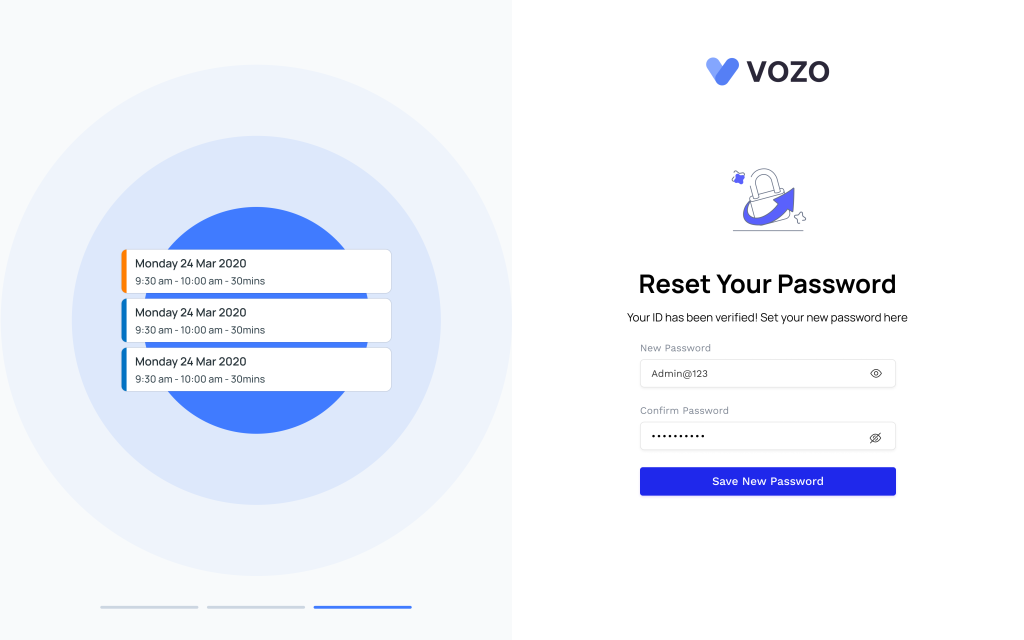
Forgot Password
If you forget your password:
- Click Forgot Password on the login screen.
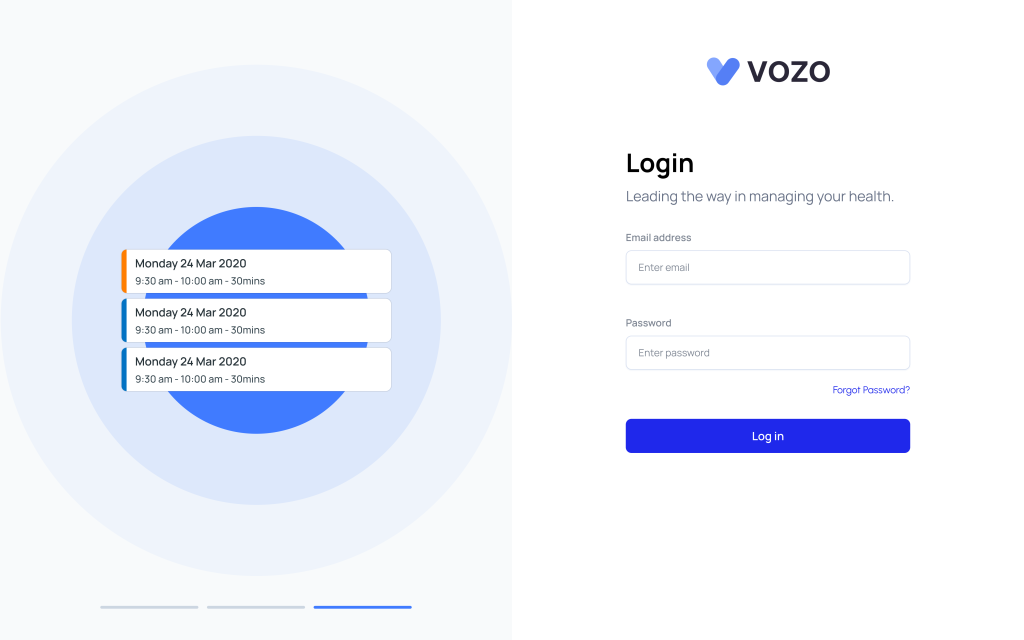
- Enter your email address.
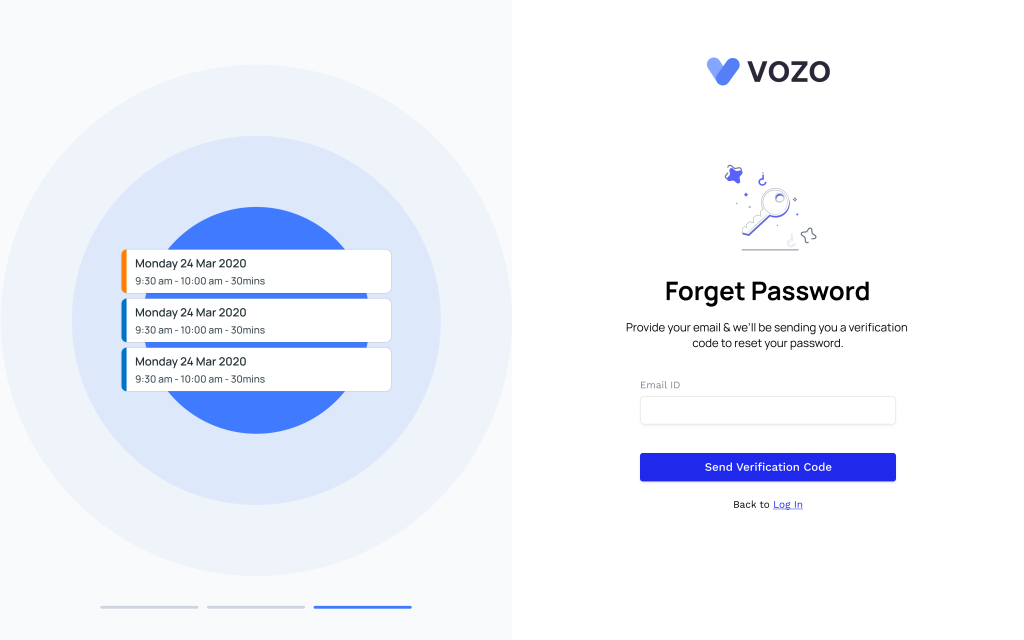
- An OTP will be sent to your email.
- Enter the OTP to verify your identity.
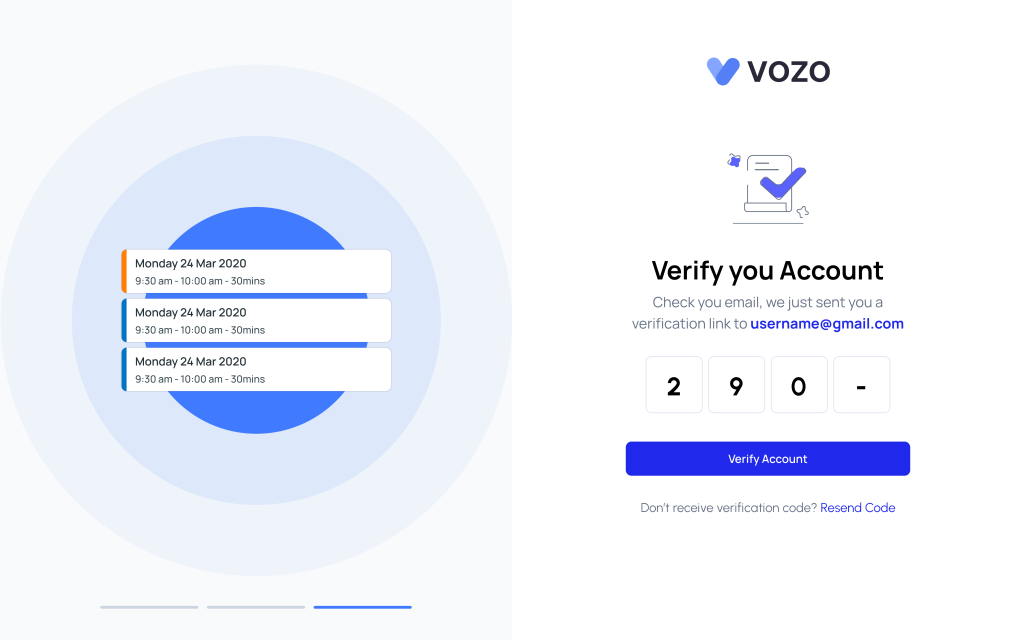
- Set a new password to regain access to your account.
2. Existing Client Login
If you are already a registered patient:
- Enter your email address.
- Proceed to the login page and enter your email and password.
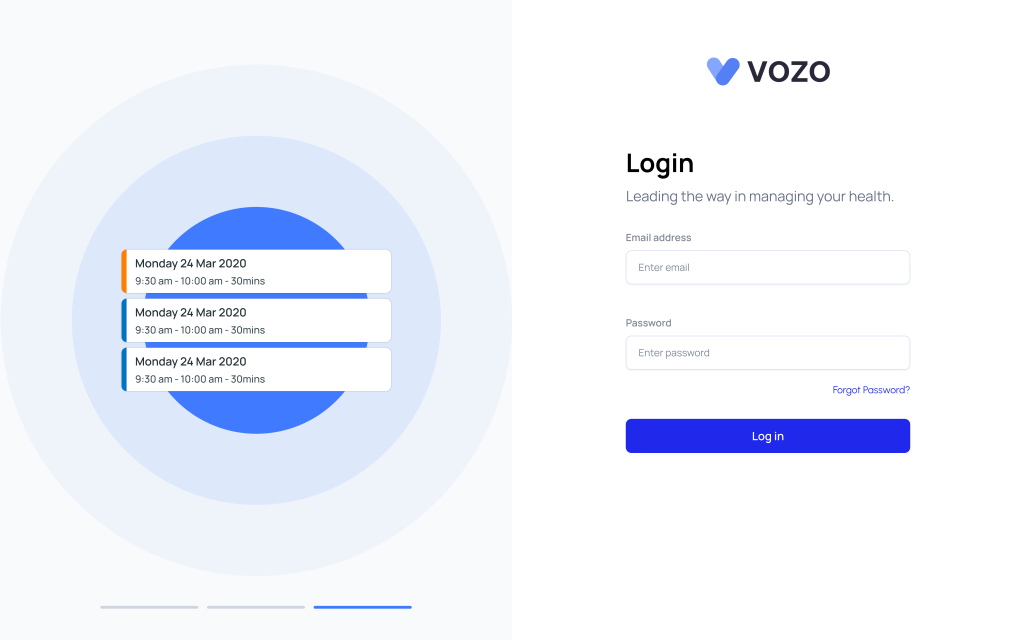
- Click Login to access your account.
- If you are not yet a patient but have entered your email:
- An OTP will be sent to your email.
- Enter the OTP to verify your email and proceed with login as usual.
Table of Contents